 |
||||||||
 |
 |
|||||||
Happy Holidays 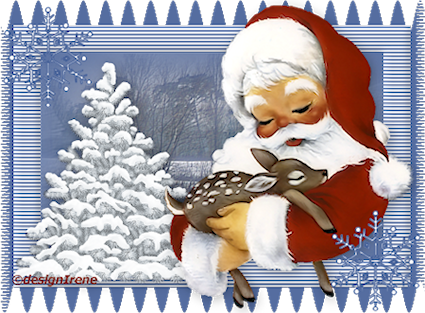 1 Open the materials in PSP. 2 Activate the DI_achtergrond.png. 3 Copy the DI_frame1.png, paste as a new layer. 4 Select middle of the frame. 5 Layers, new raster layer. 6 Copy the DI_achtergrond1.png, paste into selection. Selection, select none. 7 Drop shadow, H_V 3, opacity 30, blur 18, color black. 8 Copy the Santa Claus09_dédé.png, paste as a new layer. 9 Drop shadow, H_V 3, opacity 30, blur 18, color black. 10 Copy the tree.png, paste as a new layer. Replace to right down. Layers, arrange move down. 11 Drop shadow, H_V 3, opacity 30, blur 18, color black. 12 Activate raster 4. Type a text of choice. 13 Copy the snowflake.png, paste as a new selection, left above. Repeat, paste to right. Selection, select none. 14 PAdd your watermark. 15 File, save as PNG. |
Download zip Nederlandse versie Version Français Deutsche version Version Italiana |
|||||||
 |
 |
|||||||
|
Start |
PSP Lessons |
Terms and Conditions © 2005 - 2021 Denhutsepot.be |
||||||||