 |
||||||||
 |
 |
|||||||
China Girl 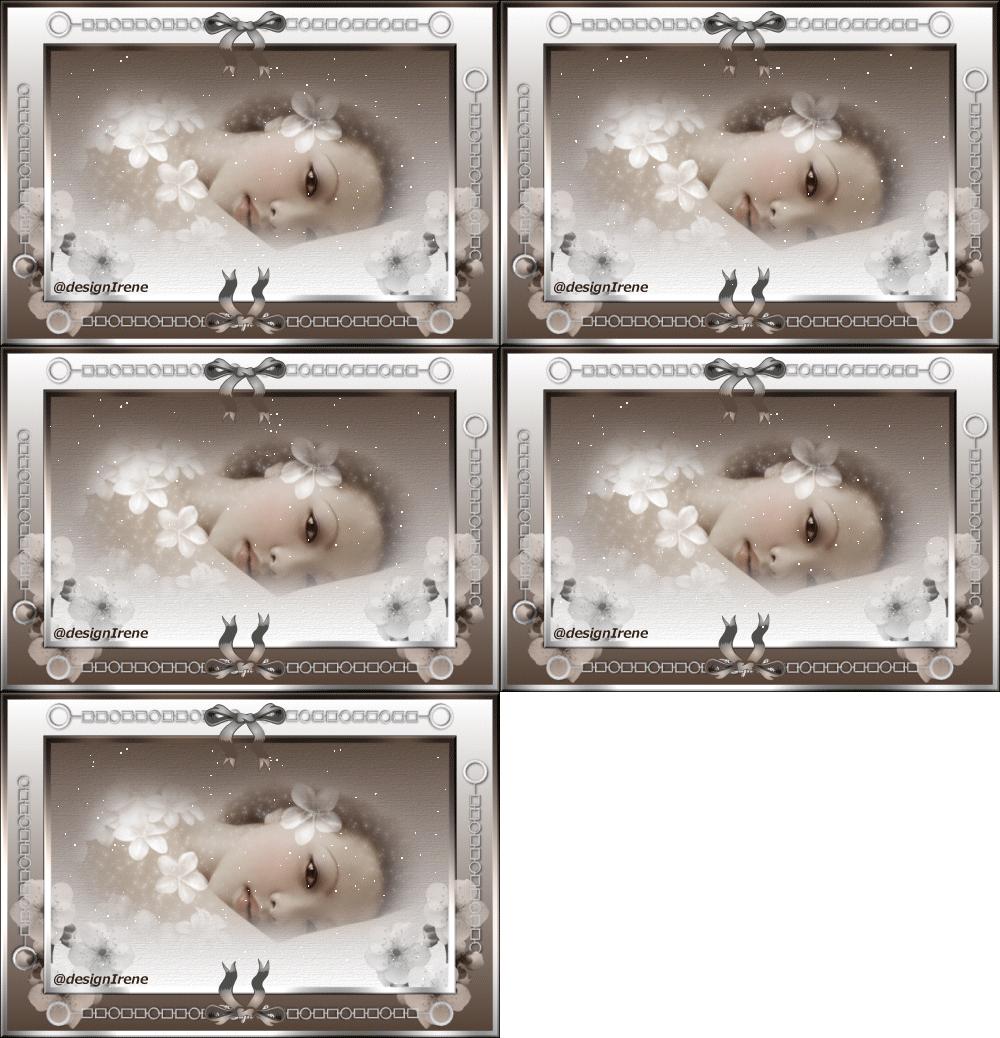 With thank to Cherokee, Alejandra for the tube. Place the DI_chinagirlselectie, into the map selections PSP. Settings plugin in the zip. 1 Open the tuben in PSP. 2 Activate the Cherokee tube, remove watermark. 3 Image resize width 500 pixels. 4 Choose a dark background, light forefront color. 5 Gradient style linear, angle 0, repeats 0, invert no. 6 Layers, new raster layer, fill with gradient. Layers, arrange move down. 7 Texture effects, choose a fine texture. 8 Add border 10 pixels in a light color. Select the border. Fill with gradient. 9 Effects Graphics Plus Cross Shadow, standard. 10 Effects Bordermania, frame 2. Settings, 10-10-110-130. Selection, select none. 11 Add border 50 pixels. Select the border. Fill with gradient, invert yes. Selection, select none. 12 Repeat points, 8-9-10. 13 Copy the flower tube, paste as a new layer. Blend Mode, Luminance L. 14 Activate the eraser, erase the frame clean. 15 Raster duplicate, image mirror. 16 Copy the chain tube, paste as a new layer. Place left above, see my image. 17 Drop shadow, H-V 1, opacity 40, blur 4. 18 Duplicate the layer, image mirror. 19 Merge both the chain layers visible. 20 Duplicate the merged layer, image flip. 21 Copy the chain tube, paste as a new layer. Image rotate , free rotate 90° to right. Replace to left. 22 Drop schadow ok. 23 Layers arrange, so that the chain raster is under the flowerraster. 24 Duplicate the layer, image mirror, image flip. 25 Activate de top layer. 26 Layers, new raster layer. Go to bruche , place a bruche. Choose wath you like!. 27 Blend Mode, Luminance L. 28 Duplicate the layer, image flip. 29 Layers, merge all layers. 30 Add watermark. 31 Image resize width 500 pixels. 32 Layers, new raster layer. 33 selection, load from disk, selectie DI_chinagirl. 34 Layers, merge visible. 35 Duplicate the layer 5 time. 36 Effecten Plugin Ulead Effects, Particle. Effect: Firelly-65-1-8-20-30. Do this also with the other 4 layer, click on Random. Selection, select none. 37 Save as pspanimationshop. 38 Open animationshop. Pick up the image. 39 Select, all. 40 For frame 20. 41 Save as gif. |
Download zip Nederlandse versie Deutsche version |
|||||||
 |
 |
|||||||
|
Start |
PSP Lessons |
Terms and Conditions © 2005 - 2021 Denhutsepot.be |
||||||||